KK Home App — Smart Lock Control for Your Whole Home
KK Home is the companion app for KK / Kaadas smart locks. Lock and unlock your door remotely, share one-time access codes, review entry history, and get real-time alerts — all from your phone.
Trusted by smart-lock owners
What is the KK Home App?
KK Home is a smart-home control app built around smart locks and connected devices, published by Shenzhen Kaadas Intelligent Technology. It uses Bluetooth for local control and adds remote access, real-time alerts, and digital-key management when paired with a compatible gateway.
- Control KK and Kaadas smart locks from one app
- Local Bluetooth access, plus remote control via gateway
- Free on the App Store and Google Play
Everything your smart lock can do
From remote unlocking to one-time guest codes, KK Home puts full control of your door in your pocket.
Remote Lock & Unlock
Open or secure your door from anywhere when a compatible gateway is connected.
One-Time & Temporary Codes
Share time-limited access with guests, cleaners, or deliveries — then revoke it instantly.
Fingerprint & Passcode
Manage every credential your lock supports, from fingerprints to PIN codes.
Entry History
See who came and went with timestamped, exportable access logs.
Real-Time Alerts
Get instant notifications on every lock, unlock, and low-battery event.
Battery Monitoring
Check remaining battery anytime so a dead lock never catches you off guard.
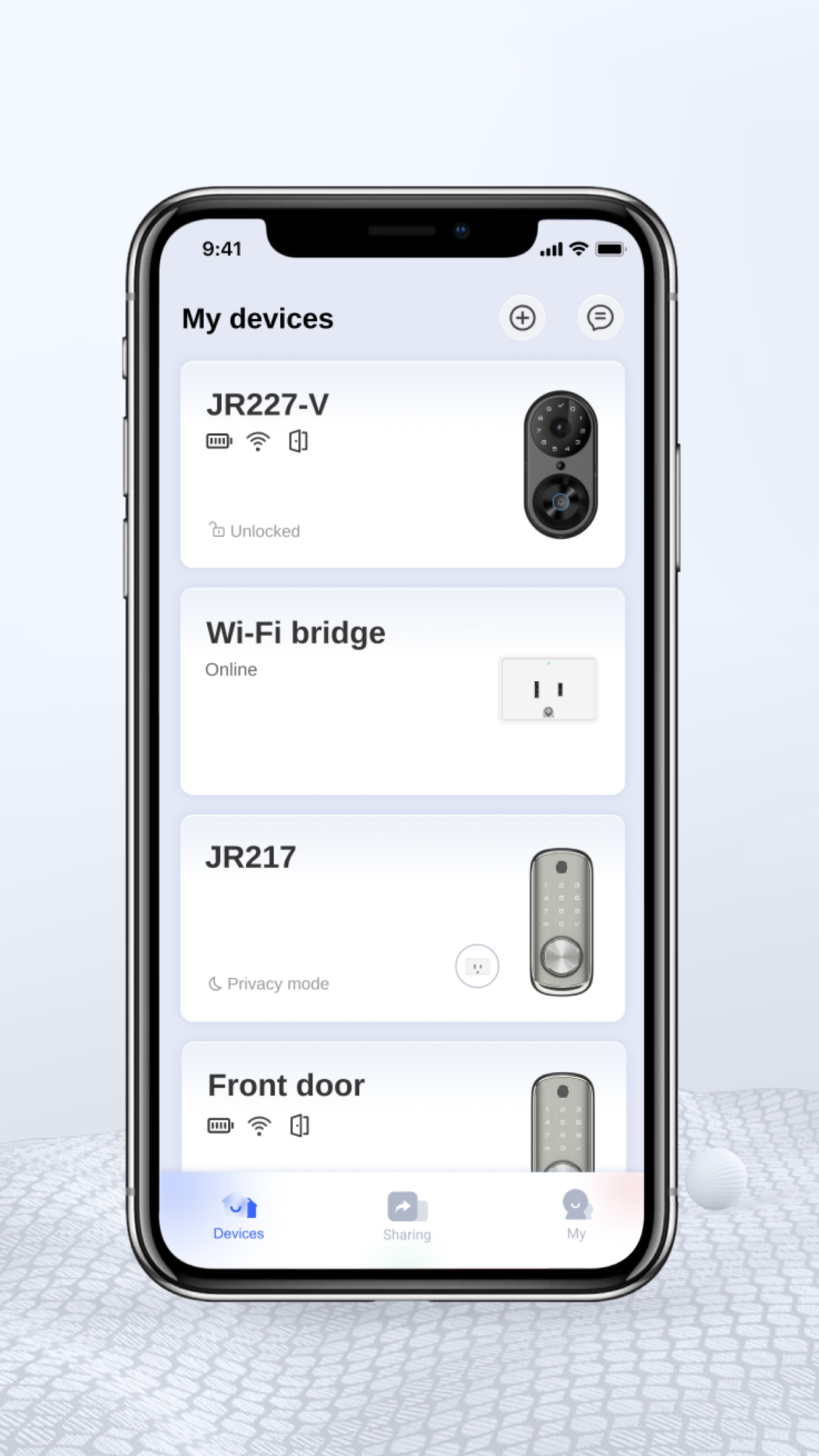
See the KK Home App in action
A clean, fast interface for everyday access
- 1Control every lock from one dashboard
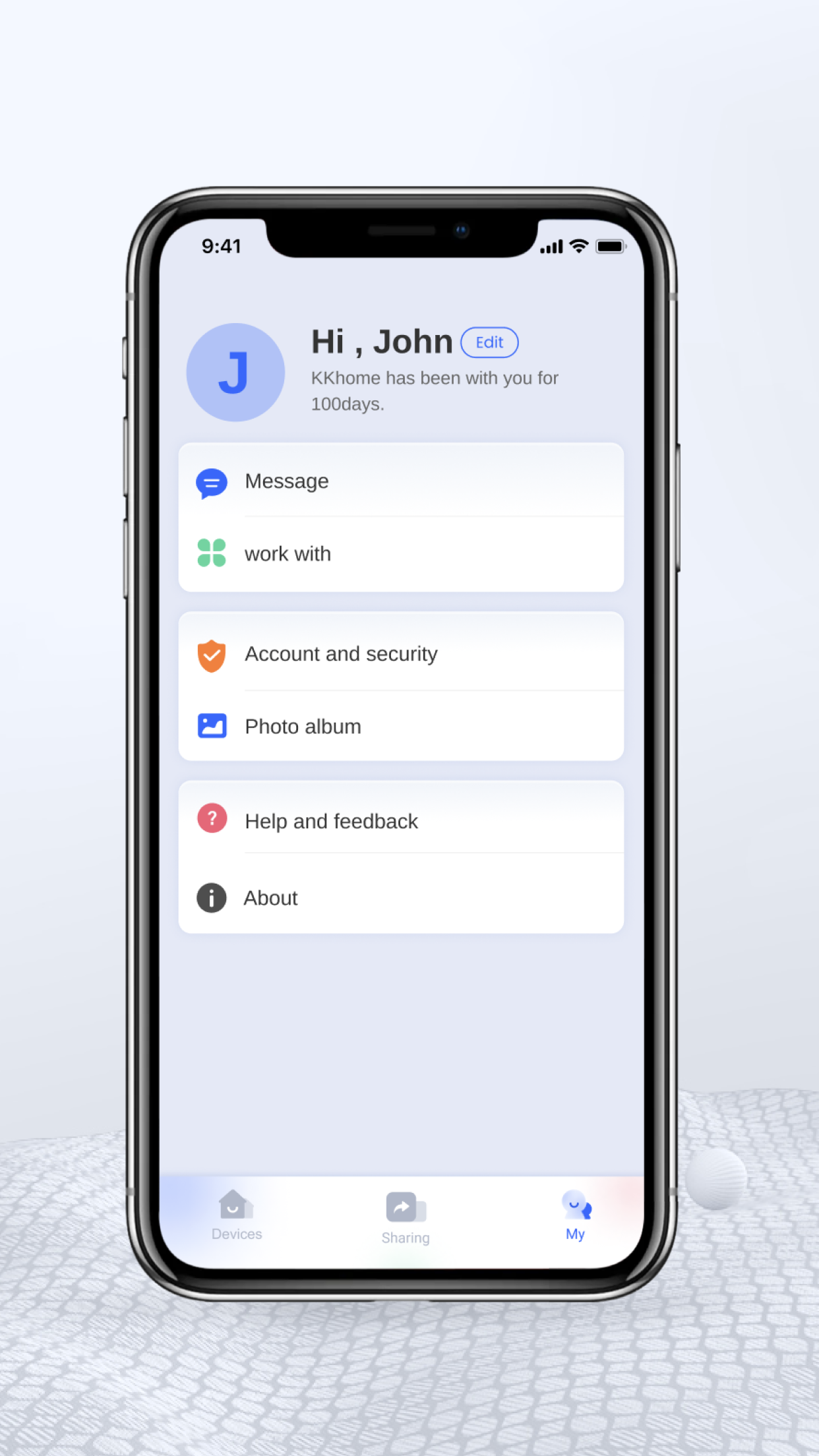
- 2Create and manage access codes
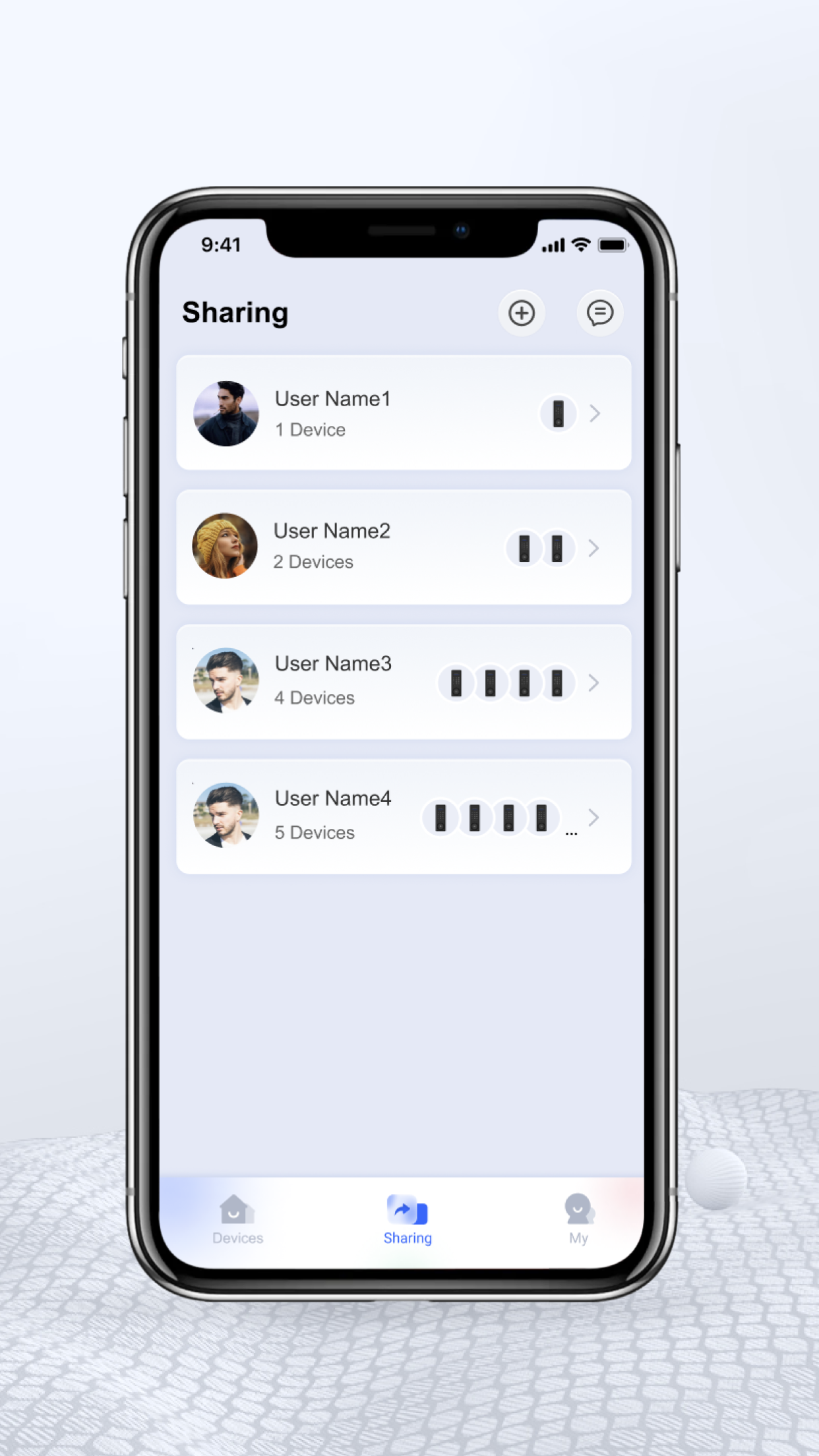
- 3Review your full entry history
Is the KK Home App safe?
KK Home is built for door security, so safety matters. Data is encrypted in transit, and you decide which permissions to grant. Privacy disclosures differ between Apple and Google, so always review the data-safety section on your platform before granting access.
Encrypted in transit
Communication between the app and your lock is encrypted.
You control permissions
Grant or revoke access codes and credentials anytime.
Platform-specific disclosures
Apple and Google list different data practices — review both.
Remote access & the gateway
Most KK and Kaadas locks use Bluetooth for nearby control. To lock, unlock, manage passwords, or check status remotely over the internet, the lock pairs with a compatible gateway. Knowing this up front prevents the most common setup confusion.
Local Bluetooth
Works at the door without extra hardware.
Remote via gateway
Add a compatible gateway for internet control and cloud logs.
Real-time status
Check lock state and battery from anywhere once connected.
Works with Alexa & Google Assistant
KK Home connects with Google Assistant and Amazon Alexa on supported locks and gateways, so you can check status or operate your lock by voice as part of your wider smart-home routines.
One app for every door scenario
Family access
Give everyone in the household their own credential.
Guest codes
Send a temporary code that expires after the visit.
Rentals & short stays
Issue and revoke codes for each booking remotely.
Deliveries
Grant one-time entry for a package drop-off.
Elderly care
Get alerts when a loved one comes and goes safely.
Compatibility & requirements
iPhone
iOS 12.0 or later
Android
Available on Google Play
Languages
English, 简体中文, Español
Remote features
Compatible gateway required
What users say
Highly rated on the App Store
“Setup was straightforward and remote unlocking just works. The activity history is genuinely useful.”
 Daniel R.App Store review
“Love the one-time codes for guests and the unlimited passcodes. Reliable and responsive.”
 Mei L.App Store review
“Fingerprint, passcode, one-time codes, and opening the door from the app — it covers everything I need.”
 Carlos M.App Store review
“Notifications are instant and the interface is clean. Months in and it's been smooth.”
 Sara K.App Store review
Frequently asked questions
KK Home App, answered
How do I download the KK Home App?
KK Home is free on the Apple App Store (iOS 12.0+) and on Google Play for Android. Search “KK Home” or use the download buttons on this page.
Is the KK Home App safe to use?
Communication with your lock is encrypted in transit and you control which permissions and codes to grant. Privacy disclosures differ between Apple and Google, so review the data-safety details on your platform.
Does KK Home work on Android?
Yes. KK Home is available on Google Play under the package com.kkhome.kksecurity, as well as on iPhone.
Why can't I control my lock remotely?
Many locks use Bluetooth for local access only. Remote lock, unlock, and status checks require a compatible gateway connected to your home network.
Does KK Home support Alexa and Google Assistant?
Yes, on supported locks and gateways. Some setups may need re-pairing if your network changes.
The app isn't working — what should I check?
Confirm your phone's Bluetooth is on, your gateway is online, the lock has battery, and the app has the latest update. Re-check time zone settings after any network change.
Get the KK Home App today
Download KK Home free and take control of your smart lock from anywhere.
 Scan to download